
MyChart
Home » For Members » CCP Employees » CCP Cares MyChart
CCP Cares MyChart Mobile App
Community Care Plan members have easy and convenient access to their health information, and plan benefits and services with our secure self-service portal, CCP Cares MyChart mobile app, anywhere they go at any time.
Once a member, parent, or guardian signs in with their confidential username and password, they can:

View you or your child’s:
- Member ID card
- Coverage and benefits
- Authorization and referral status
- Billing or claims and Explanation of Benefits (EOB)
- Messages and reminders
- Summaries of previous appointments, including issues addressed during each visit, vital signs, and tests or referrals that were ordered
- Medications, including dosage information and instructions, and request a refill
- New lab results
Complete Things like:
- Change your Primary Care Provider (PCP) or your child’s PCP
- Change your or your child’s address, phone number, email address, and other personal details
- Complete questionnaires and surveys, like our Health Risk Assessment (HRA)
- Ask questions about benefits, services, and coverage, billing or claims, referrals, out-of-pocket costs for services, and medical questions
- Reset your password
- Set your personal profile photo, theme colors, and alerts
Search for:
- Doctors and providers in our Provider Directory
- How much services may cost
- Health information in our health library
CCP Cares MyChart for iOS and Android are versions of MyChart that you can use to manage you or your child’s health information on the go. The mobile apps contain many of the same features as the MyChart website, allowing you to do all of the following, and more!


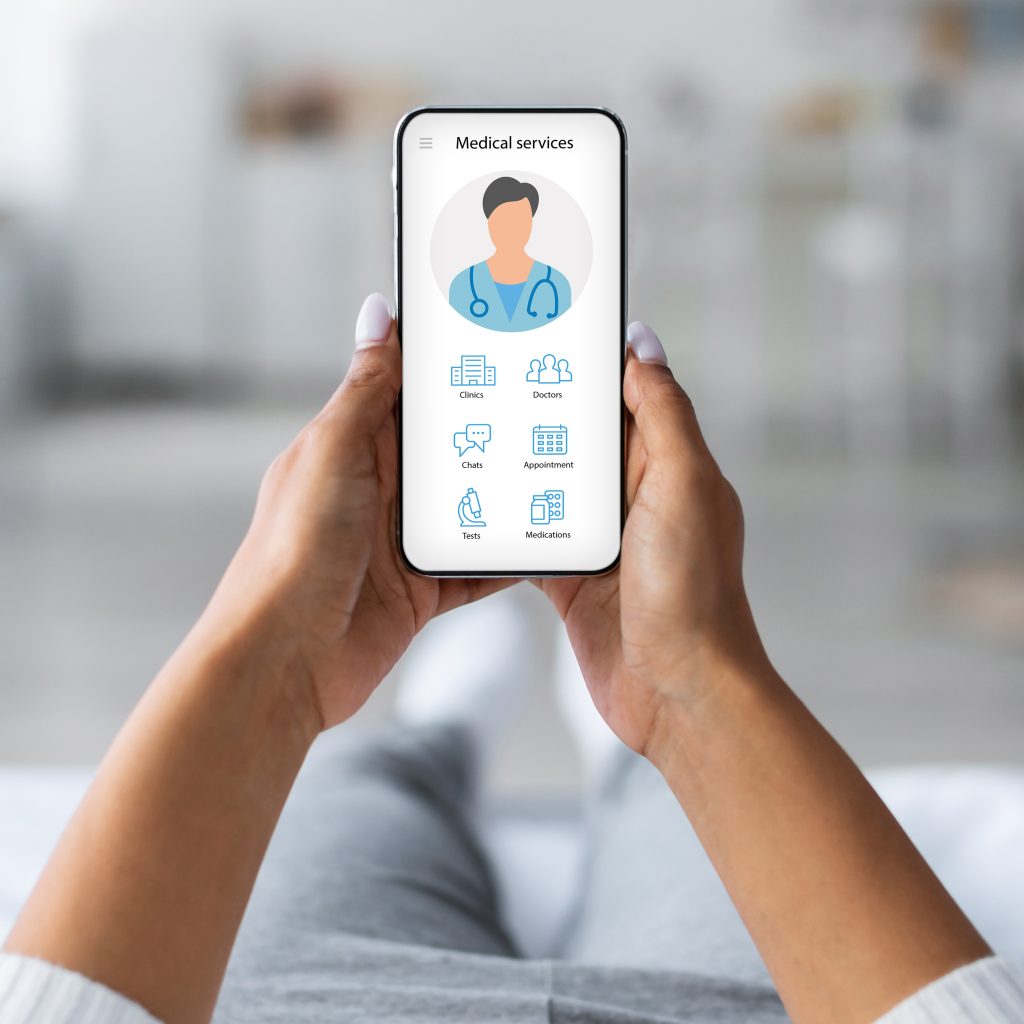
Sign up for a MyChart account
On the mobile app or web login page, click Sign up in the bottom section.
Enter an activation code or sign up with your information.
Complete the form by entering your first and last name, address, date of birth, legal sex, phone numbers, and email. Review the terms and confirm to ensure we can match your information to our records. Click Next.
In the next step, we’ll verify your identity using questions from a third-party verification system. This information is confidential and allows us to verify your identity more accurately. If your information matches our records, a MyChart account will be created immediately. If not, you may need to contact Member Services to verify that your demographic information matches our records.
Proxy Access
As a parent or legal guardian, you can enjoy on-the-go access to your child’s healthcare records using MyChart. If you have an adult patient under your care, proxy access allows you to securely manage and share their health information. The benefits of proxy access include:
- View your family’s health information
- Review medications and health history
- Request medication refills
- Review discharge information
- Manage your family’s appointments
- Access test results
- View your family’s health information
- Review medications and health history
- Request medication refills
- Review discharge information
- Manage your family’s appointments
- Access test results
To access your child’s account, you must create a MyChart account for yourself. Once you activate and access your personal MyChart account, you can request proxy access for your child.
Proxy Access to a Child's Account (Under age 13)
Option 1 — Online Request Form – A parent with a MyChart account can request proxy access from within their MyChart account.
- *This step is not available in the app* Login to your personal MyChart account at MyChart CCP Login
- Select the Menu icon at the top left corner of your screen under the Account Settings section, select Request access to a Minor’s Account, and click on Request access to a child’s (Under age 13) MyChart account.
- Complete the form with your child’s demographic information and submit the request. Please allow 24-48 business hours for a response. Important: Please make sure to read the statement and click to acknowledge to submit the request.
Option 2 — Paper form
Complete the consent form. Attach the form to the parent or guardian’s government-issued photo ID, then email it to myportal@ccpcares.org for assistance. Please allow 3 business days for a reply.
Proxy Access to a Teen Proxy/Child's Account (13-18 Years Old)
Option 1 — Online Request Form – A parent with a MyChart account can request proxy access from within their MyChart account.
- *This step is not available in the app* Login to your personal MyChart account at http://myportal.ccpcares.org
- Select the Menu icon at the top left corner of your screen under the Account Settings section, select Request access to a Minor’s Account, and click on Request access to a teen’s (13 to 18th birthday) MyChart account.
- Complete the form with your child’s demographic information and submit the request. Please allow 24-48 business hours for the request to be reviewed. Your teen will be contacted to provide consent and grant you access. Important: Please make sure to read the statement and click to acknowledge to submit the request.
Option 2 — Paper form
Complete the consent form. Attach the form to the parent or guardian’s government-issued photo ID, then email it to myportal@ccpcares.org for assistance. Please allow 3 business days for a reply.
To Share Access to an Adult’s Account
Adults can invite others to share their health information.
- Login to your personal MyChart account.
- Select the Menu icon at the top left corner of your screen and under the Sharing section, select Sharing Hub.
- Click on Invite friends or family.
- Complete the form with their name and email, choose their access level, and agree to the terms and conditions.
Those invited to access your account must open the email and accept the invitation. The link expires in 30 days.
What if I forget my MyChart username or password?
Click the Forgot Username? or Forgot Password? link below the login fields for help. You will need to answer some security questions to verify your identity to recover your username or password. If you fail to recover your password after five (5) unsuccessful attempts, you will be directed to reset your password. If you have five (5) unsuccessful attempts at resetting your password, your account will be deactivated, and you will need to email myportal@ccpcares.org.